

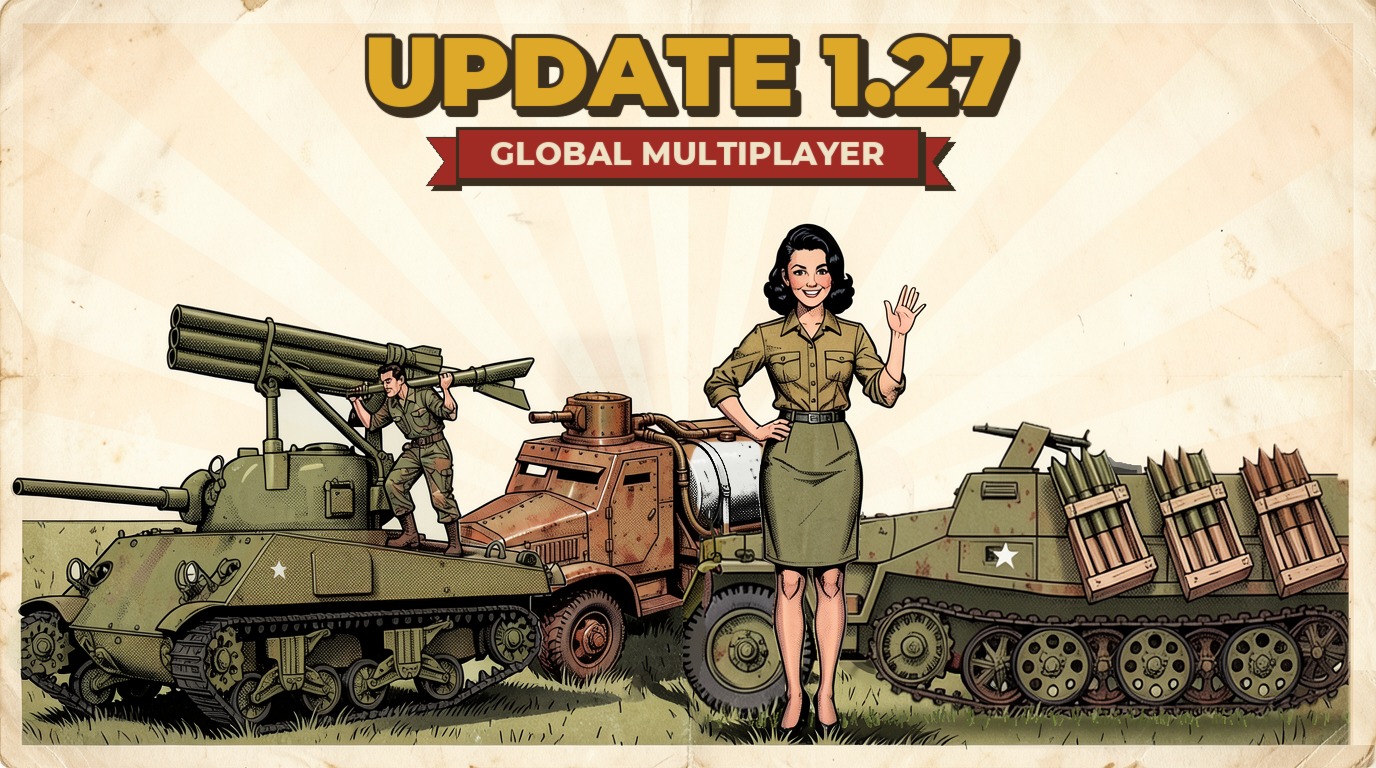

Global Ordnance: The Iron Fist is a free mobile RTS for Android and iPhone. Update 1.27 is out on Google Play, and it brings online mobile RTS multiplayer.
In 1.26 you played a friend sitting next to you. Now you can play anyone. Tap one button and the game finds you an opponent. Or send a friend a link. The same update brings a new desert map, two new units, and unit groups you save with one tap.
01 · OnlineOnline mobile RTS multiplayer: play anyone, anywhere
You asked for it. Here it is.
Open MULTIPLAYER and you land on the ONLINE tab. Tap QUICK MATCH. The game puts you into an open battle. If nobody is hosting, it opens one for you and waits.

Prefer to pick? The list shows the open battles. Host your own and it is open to anyone by default. You can switch that off.
Playing a friend? Share a 6-character room code or an invite link. A friend you played before can be invited straight from the host screen, and they get an accept or decline card.
Online matches are always even. No handicap sliders, so a win is a win.
Your skins count. Each commander’s unlocked skins now show on their units in a match, on both phones. Earn them, then show them off.
Wi-Fi and hotspot matches work as before.
This is our first multiplayer game, and our first time online. There will be bugs. There will be things we misjudged. We rely heavily on what you tell us, so if something breaks or feels wrong, send us a bug report.
02 · New mapNew map: Oasis, a desert city with a sandstorm
A sand-coloured city with a palace, towers, market stalls and carts, and palms on the lanes. An Egyptian-style pyramid stands over the field.
Then the weather turns. A sandstorm rolls in from the side and covers two to four lanes. You get a warning, but you do not know which lanes. Units caught inside stop moving and cannot shoot. Choose your moment.
Victoria made the art for the Oasis map, and for the Snow and green maps that got new details in this update.
03 · New unitsTwo new units: Howler and Scorcher
Howler. An armored half-track with six rockets on its back and a machine gun on the roof. It fires volleys of six, eighteen rockets to a load, so aim before you commit. Four upgrades: Minesweeper, Armor, High Explosive and Redcaps. High Explosive and Redcaps exclude each other, so pick your style.
Scorcher. A flame truck that burns whatever comes close. It sits with the unarmored units. Upgrades add a rear flame turret that covers the whole back, a hotter red flame (High Octane) and a Booby Trap that blasts when the truck dies. The crew has opinions, and they are funny. When it burns out, it leaves a charred wreck.
Both work in single player and in multiplayer, with their own pictures and upgrade cards. See every unit on the units page and every upgrade on the upgrades page.
04 · FirepowerMore firepower for old friends
The Light Tank gets a fifth upgrade: a rocket rack. Six rockets, fired in volleys of three. Run dry and you can refill it.

The AA Truck can now lay land mines. Not many people use it but they should.
The Battleship hits the enemy base much harder: 70% damage to the base once it’s reached, up from earlier 30%.
Two planes now leave white vapor trails from the wingtips: Twin Bomber and Strike Jet. This list will broaden.
05 · Unit groupsUnit groups: tap a tab, grab your army
This was one of your most requested features. In a classic RTS you put units on a number key and call them back with one press. Here you do the same with a tab widget.
Touch RTS is a different experience, not an inferior one. You have ten fingers, and now a familiar tool made for them.
Select units, tap the plus, and they go into a numbered tab on the battlefield. Three tabs. Tap a tab and the whole group is selected. A tab turns red when its whole group is selected, and blue when a selected unit belongs to a group that is not fully picked. Each tab shows how many units it holds. Dead units drop out. Long-press a tab to clear it. A unit can sit in two groups.
On a keyboard, Ctrl+1, Ctrl+2 and Ctrl+3 save the groups, like in the classic RTS games.
Works in single player and multiplayer, in landscape and portrait.
06 · Immersive modeVisually immersive mode: a clean battlefield
Want the battlefield clean? Settings now has Visually immersive mode. Turn it on and the health bars, ammo bars, bounty numbers and other floating text go away, along with the Detonator‘s countdown digits. A real Global Ordnance vet knows exactly when the Detonator will blow anyway. From experience. The war, nothing else. Off by default.
Also new: a NO AMMO message when a unit runs dry (hidden in immersive mode).
FAQQuestions about online play
Is online multiplayer free?
Yes. Global Ordnance is a free mobile RTS and online play costs nothing.
How do I play a friend online?
Host a battle and share the 6-character room code or the invite link.
What if nobody is online?
Quick Match opens a battle for you and waits for an opponent.
Does Wi-Fi play still work?
Yes. Wi-Fi and hotspot matches work as before.
07 · NextWhat comes next
More units, more maps, and the campaign are planned. Tell us what you want to see.
From here the team has one focus: more maps and a new age of war. So far Global Ordnance is mostly World War II, with a few fictional units. Next comes World War I. The goal: fight your way through the ages, each with its own ordnance.
PrivacyYour data: what changes in 1.27
Update 1.27 changes what the game sends, so our privacy policy has been updated with this release.
Online play needs some data to work:
- Online play is tied to your platform account. Your account’s gamer name (Play Games) is shown to players you have played.
- A random player code made on your device, your match results and the rating worked out from them.
- A logbook of your online and Wi-Fi matches is kept on our server until you delete it.
- The game can send you a push notification when a player invites you. There is a switch for it in Settings, and you can block a player.
- Our server sees your IP address during a match.
- The 10 players with the most online wins appear on a public leaderboard, which may be shown on awngames.com. A row shows the gamer name, wins, losses and rating. To leave it, switch off Show me on the leaderboard in Settings > Online.
- The Delete my data button in Settings > Online removes your online record from our server.
Two sharing switches are now on by default. Share my battle stats with the world sends battle counts for the world numbers on our website. Help train the Adaptive AI supports the Adaptive AI, which reads how you play in real time.
You can switch either one off at any time in Settings, under Privacy.
Read the Global Ordnance privacy policy.